Rich Tone Monochrome
by Photo Stuff · @photostuff
Watch the original videoPhoto Stuff's black and white recipe for the GR IV Monochrome, built on the Standard preset. Key drops a step and all three contrast controls go to +2 for a darker, punchier frame. He made it because he finds the built-in High Contrast preset loses too much detail in the shadows and highlights. Shading at -2 adds a vignette that pulls the eye to your subject.
- White Balance
- Auto WB A0 G0
- Toning
- Off
- Highlight DR
- Off
- Shadow DR
- Off
- Peripheral Illum.
- Off
From the creator
He keeps two versions, in U1 and U2. The settings here are the full one, which he uses for portraits, still life and anything with a clear subject. The vignette comes from Shading -2, and he turns off peripheral illumination correction and both D-range corrections so nothing works against it. For wide scenes like landscapes and cityscapes he puts Shading back to 0, sets both D-range corrections to Auto and turns peripheral illumination correction back on, so a later crop does not end up darker on one side.
Watch the videoCamera compatibility
Originally created for the GR IV Monochrome - the same settings dial straight into any GR listed.
Straps, cases and filter adapters for your camera are on the gear page.
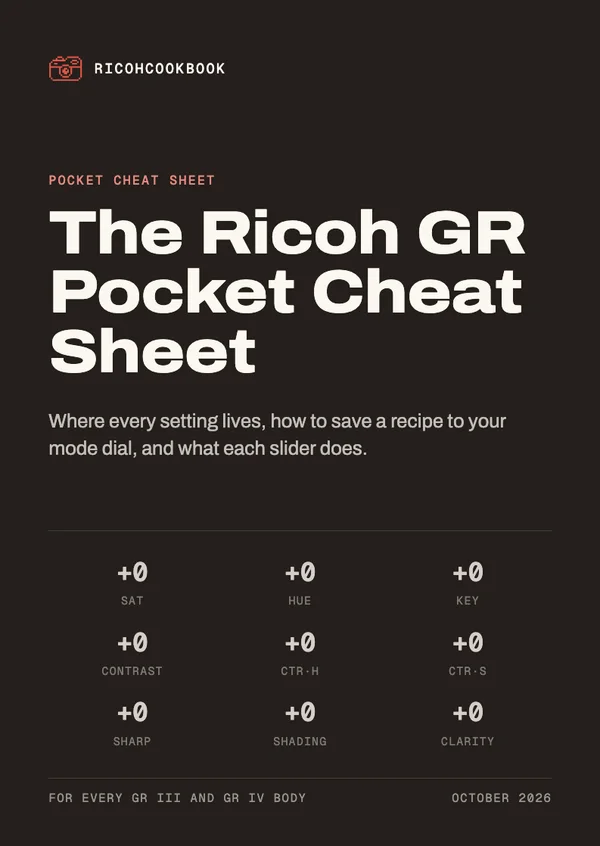
Get the GR Pocket Cheat Sheet
Pocket cards that explain every slider and walk you through saving a recipe on your camera. Sign up for the recipe emails and it's yours straight away.
Comes with the recipe emails: one when a recipe earns one. Unsubscribe anytime. Privacy